
Published in October 2026 | Kobonat
Phone storage full? Easy ways to free up space
The "storage full" message is annoying, especially when you want to take an important photo or update an app. Before thinking about a new phone, try these steps that often free a lot of space.
Start with the biggest
Before deleting anything at random, open your phone's storage page to see what's taking the space. On iPhone: Settings > General > iPhone Storage. On Android: Settings > Storage, or the Files by Google app. You'll usually find that a few apps or folders take most of the space, and cleaning those gives the biggest result in the least time.
WhatsApp and messaging apps
WhatsApp is one of the biggest space consumers because of the photos, videos and voice notes from groups.
- Open WhatsApp > Settings > Storage and data > Manage storage. It shows large files and the chats taking the most space, and lets you delete them in bulk.
- Turn off auto-download of media on mobile data and Wi-Fi, or limit it to photos only.
- On iPhone, turn off "Save to Photos" so every WhatsApp photo isn't duplicated in your gallery.
- Do the same in Telegram: set the cache limit and auto-delete period.
Photos and video
- Delete duplicate photos, screenshots and failed shots; both iPhone and Google Photos detect duplicates.
- Empty the "Recently Deleted" album, because deleted photos stay for 30 days and still take space.
- Back up to the cloud (iCloud, Google Photos, OneDrive) and turn on the "Optimise storage" option that keeps smaller copies on the phone.
- Move old videos to a computer or external drive; video takes far more space than photos.
- Reduce video recording quality to 1080p at 30 fps for everyday clips instead of 4K at 60.
How much space do files take (approx.)?
| Type | Approx. size |
|---|---|
| Photo (12 MP, HEIC/JPEG) | 2 to 5 MB |
| 1 minute video at 1080p 30 fps | About 60 to 130 MB |
| 1 minute video at 4K 60 fps | About 400 MB |
| 1 minute voice note | Less than 1 MB |
| Large game | 2 to 15 GB or more |
Apps
- Delete apps you haven't used in months; you can reinstall them anytime.
- On iPhone, use "Offload Unused Apps", which removes the app but keeps its data.
- On Android, clear the cache of large apps such as browsers, TikTok and Instagram from the app info page.
- Delete downloaded episodes, music and maps you've finished with in streaming and navigation apps.
Forgotten files that take space
- The Downloads folder: old PDFs, installers and files from messages.
- Old message attachments: on iPhone you can set messages to delete after a year.
- Offline maps and downloaded languages.
- Saved podcasts and audio books.
Do you need extra storage?
If you clean regularly and still run out of space, consider options:
- Paid cloud storage: simple and automatic, with monthly fees.
- A microSD card: if your Android phone supports it; choose a reputable brand with a speed class such as U3/A2 for apps and video. Beware of fake cards claiming huge capacities at low prices.
- USB-C flash drive or portable SSD: to move photos and videos off the phone; some iPhones need a Lightning or USB-C adapter.
When buying your next phone, choose a larger storage option, since most phones can't be upgraded later.
Habits that keep storage from filling up again
- Clean WhatsApp and screenshots once a month.
- Keep automatic cloud backup on.
- Don't record everything in 4K.
- Leave at least 10% to 15% free space; a completely full phone becomes slow and may fail to update.
Summary
Check what takes the most space first, clean WhatsApp media and turn off auto-download, back up photos to the cloud, delete or offload unused apps, and empty Recently Deleted. These steps usually free several gigabytes in minutes. See our phone protection guide.
Suggested products
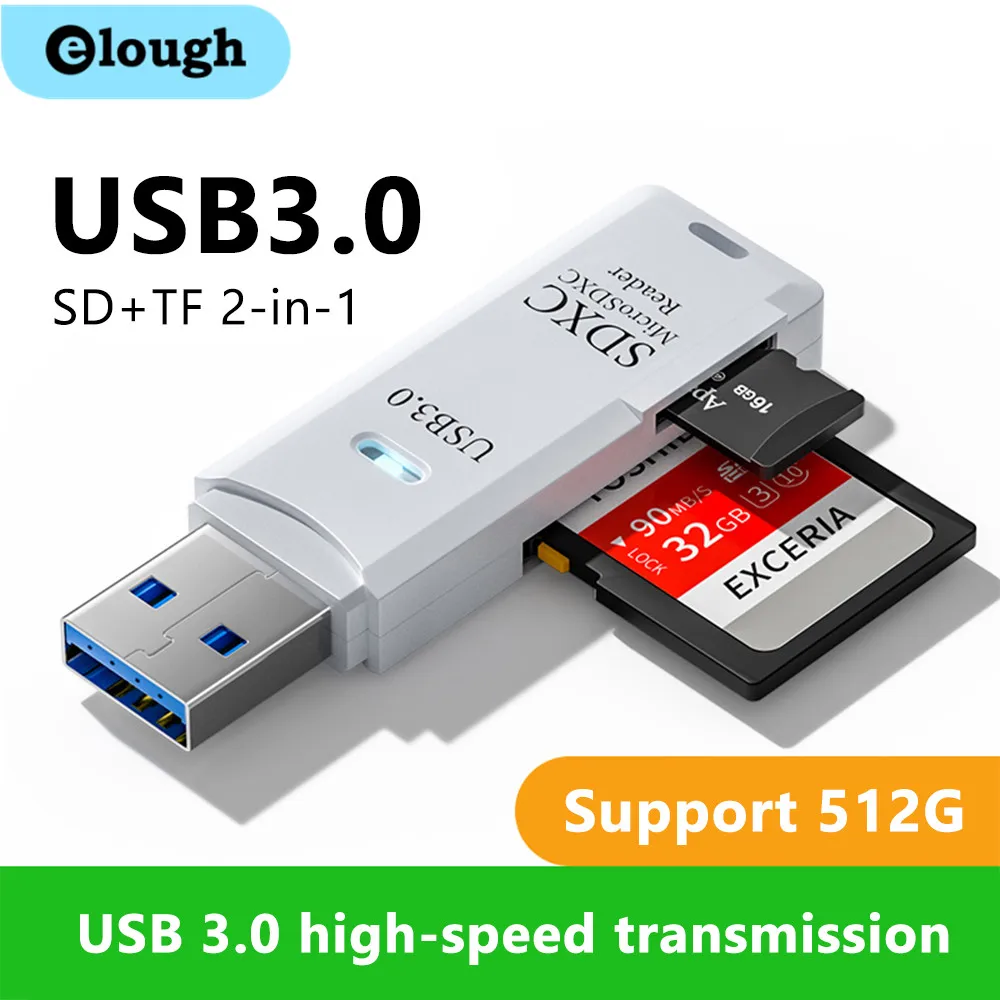
Prices and codes are approximate and may change; purchases are completed on AliExpress.