
Published in October 2026 | Kobonat
USB-C cables: why they are not all the same and how to choose
The USB-C connector looks the same, but cables differ a lot inside. A cable that fast-charges your phone may not charge your laptop, and another may not carry video to a monitor. Knowing the difference stops you buying a cable that does not do what you need.
Charging power
USB-C cables look identical from the outside, but they differ a lot inside. The first difference is the power they can carry:
- 60 W cables (3 A): enough for phones, tablets and small laptops. Most ordinary cables are this type.
- 100 W cables (5 A): contain a small e-marker chip and suit most laptops.
- 240 W cables (USB PD 3.1 EPR): for powerful gaming laptops and high-power devices.
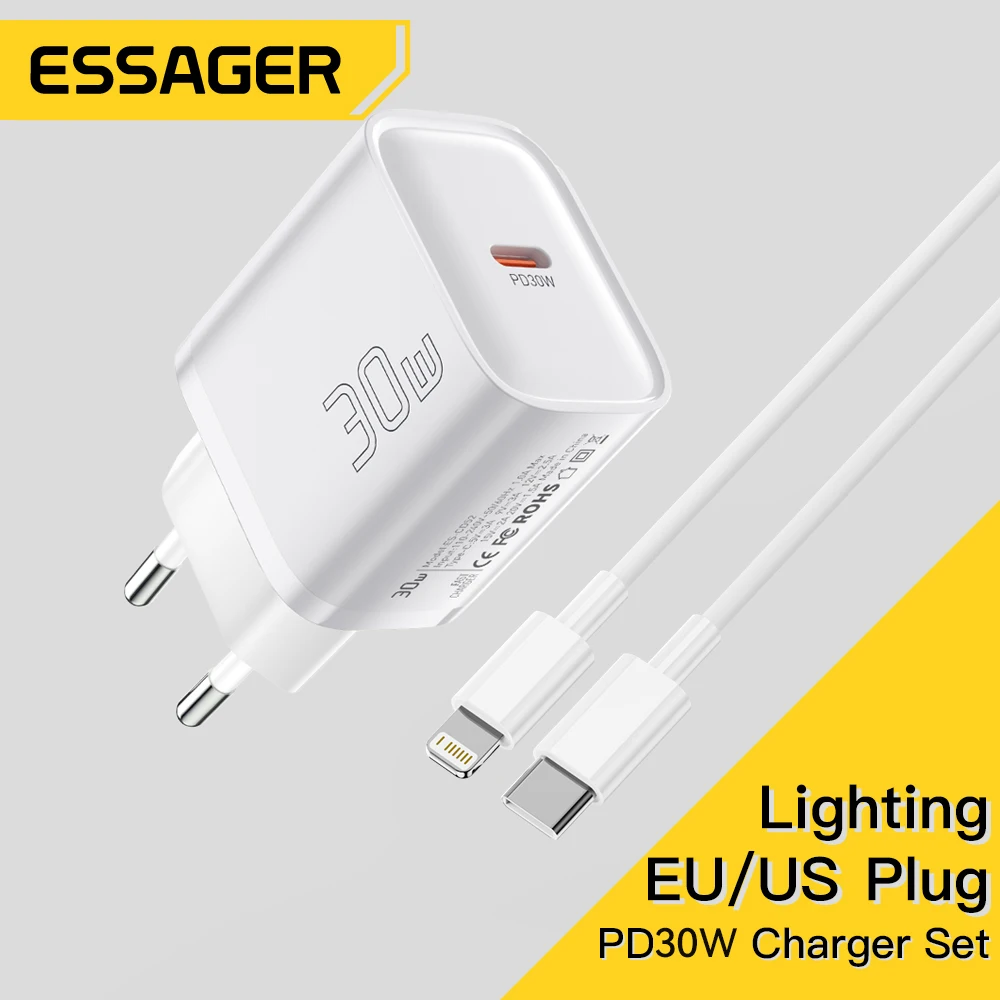
If you charge a laptop that needs 100 W with a 60 W cable, it will charge more slowly or not at all. The charger also needs to support the required power; the cable alone isn't enough. See our phone charger guide.
Data transfer speed
Many cheap and long cables only support USB 2.0 speed (480 Mbps), which is fine for charging and syncing a phone, but very slow for transferring large video files or using an external SSD. If you transfer data often, look for:
- USB 3.2 Gen 1 / Gen 2: 5 to 10 Gbps, good for external drives.
- USB4 or Thunderbolt 3/4: 20 to 40 Gbps, for fast drives, docks and monitors.
A quick guide to the names
| Name | Data speed | Notes |
|---|---|---|
| USB 2.0 | 480 Mbps | Charging and simple use |
| USB 3.2 Gen 1 (5Gbps) | 5 Gbps | External hard drives |
| USB 3.2 Gen 2 (10Gbps) | 10 Gbps | Fast SSDs |
| USB4 / Thunderbolt 4 | 40 Gbps | Docks, monitors, very fast SSDs |
Look for the speed and wattage written on the packaging or product page, not just "USB-C".
Connecting a monitor
To connect a laptop or phone to a monitor via USB-C, both the device and the cable must support video (DisplayPort Alt Mode). Simple charging cables (USB 2.0) don't carry video. Choose a cable described as supporting 4K video, or a USB4/Thunderbolt cable. Check that your device's port supports video output; many cheap phones don't.
Length and quality
- Longer cables are more convenient but more expensive for the same speed, and fast long cables are rarer. One metre suits the desk; two metres suits the bed or the car's back seat.
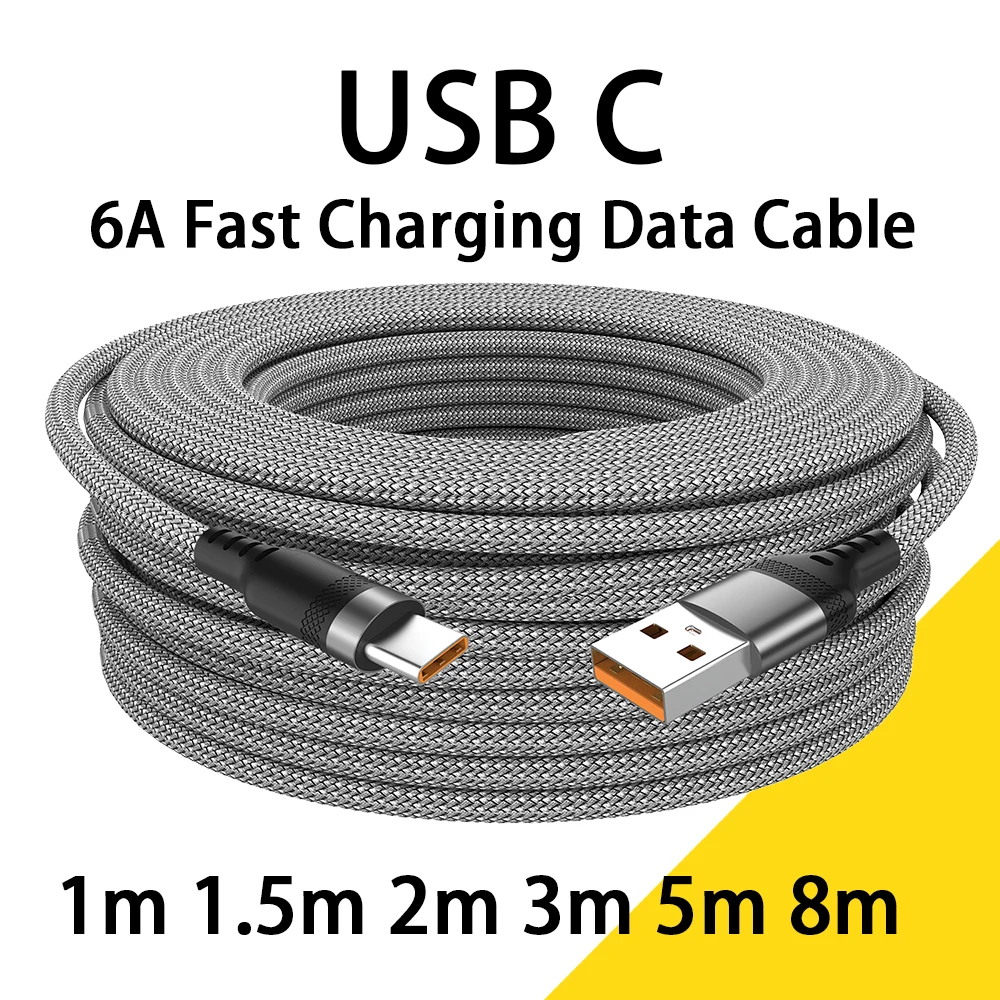
- Braided nylon cables resist bending and breakage better than ordinary plastic.
- A reinforced joint at the connector reduces breakage, the most common failure.
- Very cheap unbranded cables may not meet specifications and can harm devices in rare cases.
- Certified cables (USB-IF) or from known brands are safer for laptops and high power.
A cable for each use
- Daily phone charging: a 60 W braided cable of 1 to 2 metres.
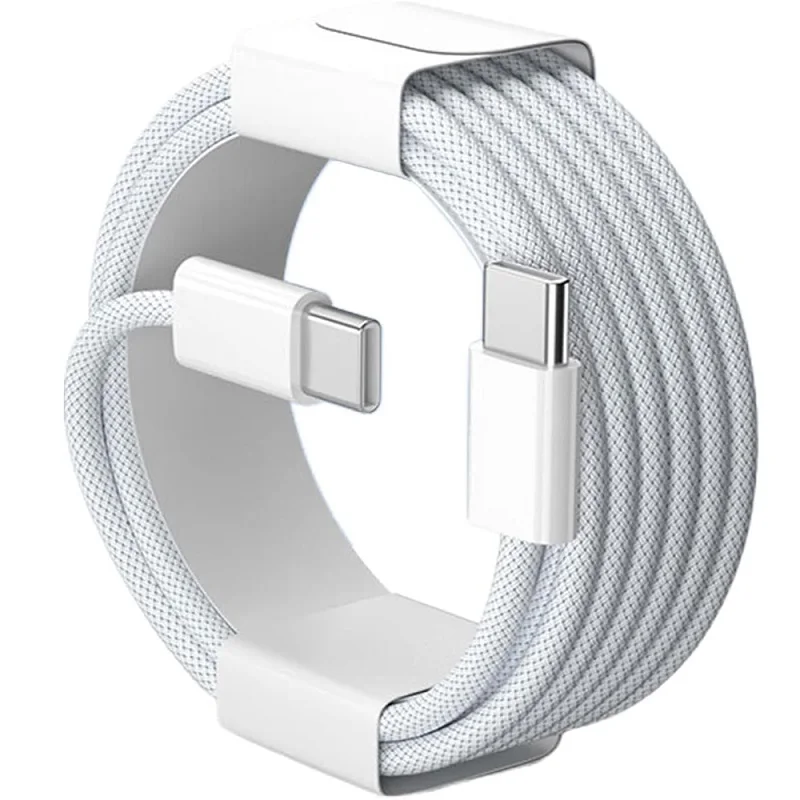
- Laptop: a 100 W cable with an e-marker, or 240 W for high-power laptops.
- External drive: a short 10 Gbps cable or the one that came with the drive.
- Monitor: a USB4/Thunderbolt or 4K video cable.
- Car: a short coiled or right-angle cable that doesn't get in the way.
- Travel: a 100 W cable that covers phone and laptop, to carry fewer cables.
Quick tips
- Label your cables with coloured tape by type (charging only, fast data, video).
- Don't wrap cables tightly around the charger; loose coils last longer.
- Pull from the connector, not the cord.
- Keep the port clean; lint in the phone port prevents a good connection and slows charging.
- If a cable gets hot or connects intermittently, replace it.
Summary
All USB-C cables look alike, but differ in power (60, 100 or 240 W), data speed (from USB 2.0 to USB4) and video support. Choose the cable based on your use, prefer braided cables from known brands, and read the specifications, not just the name. See our power bank guide.
Suggested products
Prices and codes are approximate and may change; purchases are completed on AliExpress.